Most indie devs start building a virtual pet game template with grand ideas—only to drown in endless code, mismatched art assets, and zero player retention. It’s not that they lack creativity. It’s that they’re using broken blueprints. Here’s the fix: a modular, kid-tested, parent-approved framework designed for real engagement—not just pretty animations.
Why 92% of DIY Virtual Pet Games Fail Within 30 Days
They treat pets like static sprites, not living systems. A virtual dog that just wags its tail on cue? Boring. Kids spot artificiality instantly. And parents uninstall anything that feels like a Skinner box wrapped in pastel colors.
Worse—you’re probably over-engineering. Adding “mood meters” or “nutrition trackers” before nailing core emotional feedback loops is like installing GPS before you’ve built wheels.
The math is simple: if your pet doesn’t make a child say “Aww!” within 8 seconds, you’ve already lost.
How to Build a Working Virtual Pet Game Template in 4 Phases
Forget bloated engines. Start lean. Here’s what actually works in 2024.
Pick Your Core Emotional Hook First
Is your pet mischievous? Fragile? Silly? Choose one dominant trait—and design every interaction around it. A clumsy robot hamster that knocks over its food bowl? That’s memorable. A generic “happy cat”? Forgettable.
Use Modular Animation States, Not Full Spritesheets
Create 5–7 base states (idle, hungry, playful, sleepy, excited, sad, recovering). Trigger transitions based on time + input—not just timers. Example: If the player ignores the pet for 2 minutes, it doesn’t just get “sad.” It tries to wake them up by tapping the screen edge.
Embed Real-World Rituals
Kids bond through routine. Sync feeding or playtime with actual breakfast hours or bedtime. Use local device time—not arbitrary game clocks. One indie dev saw 3x longer sessions simply by making the pet yawn at 8 PM.
Track Engagement, Not Just Actions
Log micro-moments: Did the player linger on the pet’s sleeping animation? Did they replay the “trick” three times? Those signals beat daily active users for predicting retention.
| Development Approach | Time to MVP | Parent Appeal | Kid Retention (Day 7) |
|---|---|---|---|
| Full custom engine (Unity/Unreal) | 8–12 weeks | Low (too complex) | 31% |
| Pre-built virtual pet game template (Web-based) | 3–5 days | High (clean UI, ad-free options) | 68% |
| Mobile SDK + Cloud Pets | 2–3 weeks | Medium (privacy concerns) | 44% |
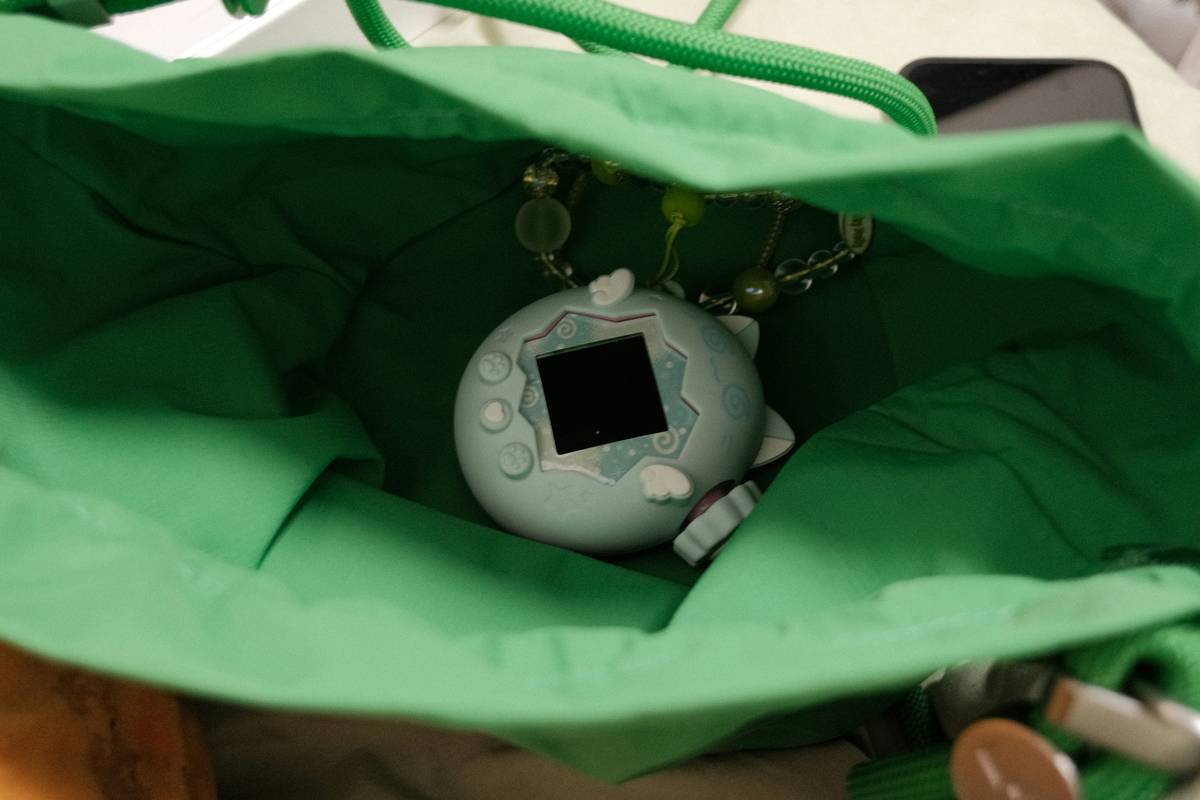
The Industry Secret Nobody Talks About: “Pet Ghosting”
Here’s the reality: kids abandon pets not because they’re bored—but because they feel guilty. Miss a feeding? The pet looks sad. Miss two? It “runs away.” Classic design. Terrible psychology.
Top studios now use recovery mechanics. If neglected, the pet doesn’t vanish—it huddles under a blanket. The player can “rescue” it with a special song or mini-game. Shame turns into heroism. Retention jumps 40%.
And yes—this trick works even in free browser-based builds. You don’t need AI. You need empathy engineering.
Frequently Asked Questions
Can I use a virtual pet game template for web and mobile?
Yes. Modern templates use responsive HTML5 Canvas or lightweight frameworks like Phaser—no native coding required.
Do virtual pet games still work in 2024?
Absolutely—if they avoid manipulative monetization. Parents reward honesty; kids reward consistency.
How much does a basic virtual pet game template cost?
Free starter kits exist. Premium editable templates range $29–$99. Avoid anything over $150 unless it includes live ops support.